Enhancing Visual Campaigns with the Summer Party Editable Text Effect
In the fast-paced world of digital marketing and graphic design, visual consistency and speed are often at odds. Designers, social media managers, and small business owners frequently face the challenge of producing high-quality promotional materials under tight deadlines. Whether you are preparing for a seasonal sale, launching a new product, or promoting a local event, the need for eye-catching typography that aligns with your brand identity is critical. This is where specialized assets like the Summer Party Editable Text Effect become invaluable tools in a modern creative workflow.
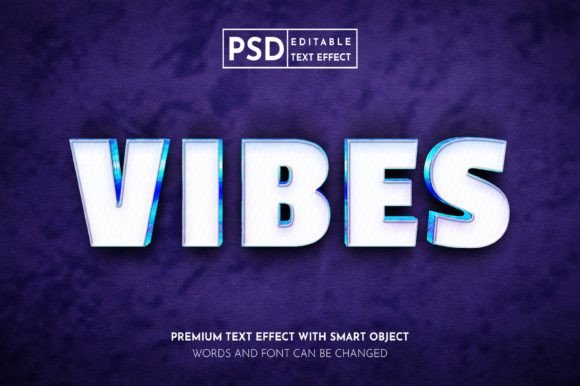
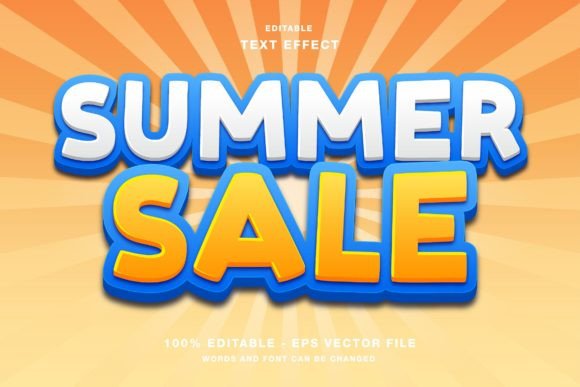
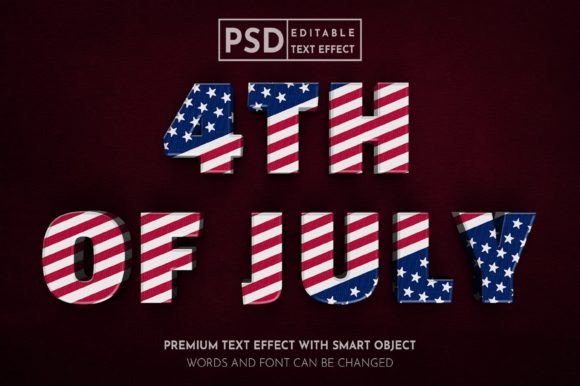
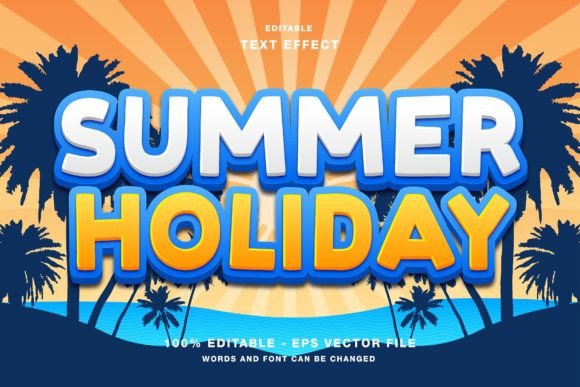
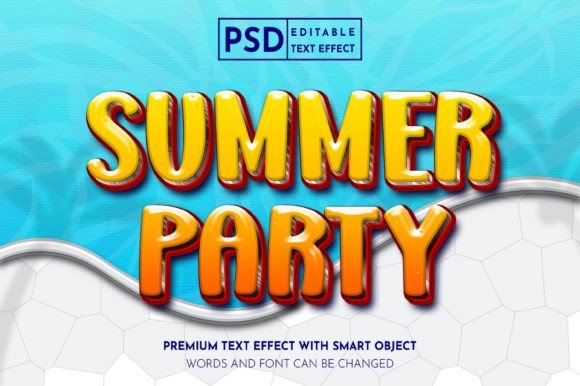
This resource is not merely a static image; it is a fully customizable Photoshop template designed to streamline the creation of vibrant, summer-themed textual graphics. By integrating this tool into your design process, you can significantly reduce production time while maintaining a professional aesthetic across various platforms, from Instagram feeds to printed flyers.
Understanding the Asset and Its Technical Foundation
The Summer Party Editable Text Effect is built specifically for Adobe Photoshop, leveraging the software’s powerful layer styles and smart object capabilities. At its core, this asset allows users to replace placeholder text with their own copy while automatically applying complex lighting, shading, texture, and color effects. The result is a polished, three-dimensional look that would otherwise take hours to create manually.
One of the most important technical specifications to note is the color mode. This text effect operates in RGB (Red, Green, Blue) color mode. This is a deliberate choice that optimizes the asset for digital displays. RGB is the standard color model for screens, including smartphones, tablets, computer monitors, and television sets. By designing in RGB, the colors appear more vibrant and luminous, capturing the bright, energetic essence of summer themes. However, it is crucial for users to understand the implications of this choice. If your final output requires physical printing—such as high-end magazines or large-format posters—you must be aware of the conversion process from RGB to CMYK (Cyan, Magenta, Yellow, Key/Black). While the included JPG files provide quick previews, the primary PSD file is intended for digital-first workflows.
The package typically includes both the layered PSD file and high-resolution JPG previews. The PSD file is the working document where all editing occurs, while the JPGs serve as reference images or quick-use assets for mockups and presentations. Having both formats ensures that you can visualize the final outcome before diving into the customization process.
Integrating the Text Effect into Your Creative Workflow
To maximize the efficiency of the Summer Party Editable Text Effect, it is helpful to view it as a component within a broader content creation pipeline. Rather than treating it as an isolated element, consider how it fits into your planning, execution, and distribution phases.
Pre-Production and Planning
Before opening Photoshop, define the scope of your campaign. Are you creating a series of Instagram stories, a Facebook event cover, or a digital flyer for an email newsletter? Knowing the destination platform helps you determine the aspect ratio and resolution requirements. Since this text effect is highly versatile, it can be adapted to various dimensions. During the planning stage, draft your copy. Because the effect is editable, you might be tempted to tweak the text repeatedly. However, having a finalized or near-finalized headline reduces the number of iterations needed in the design phase, saving valuable time.
Execution and Customization
The execution phase is where the true value of the "editable" feature shines. Here is a practical approach to implementing the text effect:
- Open the PSD File: Launch Adobe Photoshop and open the main PSD file included in the folder. Ensure your layers panel is visible.
- Locate the Smart Object: Most professional text effects use Smart Objects for non-destructive editing. Look for a layer named "Edit Text" or similar, often indicated by a small icon in the corner of the layer thumbnail.
- Input Your Content: Double-click the Smart Object thumbnail. This opens a new tab where you can type your desired text. Choose a font that complements the summer theme—bold, sans-serif fonts often work well for clarity, while script fonts can add a playful touch.
- Save and Update: Once you have entered your text, save the Smart Object file (Ctrl+S or Cmd+S). Return to the main document, and you will see the text effect update automatically with your new content.
- Adjust Colors and Elements: While the text is the focal point, the surrounding elements are also customizable. You can adjust hue/saturation layers to match your brand colors or change background elements to better suit your specific message.
This process ensures that you maintain the integrity of the original design while making it uniquely yours. The ability to easily edit all elements means you are not locked into a single look. You can create multiple variations for A/B testing on social media platforms without starting from scratch each time.
Post-Production and Distribution
After customizing the text, export your final design. For web designs and social media promotions like Instagram, Twitter, and Facebook, export as PNG or high-quality JPG. These formats preserve the transparency (if needed) and color vibrancy of the RGB mode. If you are using the design for a digital publication or an email blast, ensure the file size is optimized for fast loading times without sacrificing quality.
Versatility Across Platforms and Media
The Summer Party Editable Text Effect is designed with versatility in mind. Its application extends beyond simple social media posts. Here is how it can be utilized across different mediums:
- Social Media Promotions: On visual-heavy platforms like Instagram and Pinterest, standout typography can stop the scroll. Use the effect for quote graphics, event announcements, or product highlights. The bright, summery aesthetic aligns perfectly with seasonal trends, increasing engagement rates.
- Digital Advertising: For Facebook ads or Google Display Network banners, clear and attractive text is essential for conveying your message quickly. This text effect provides the visual weight needed to draw attention to call-to-action buttons or key offers.
- Publication Promotion: Bloggers and online publishers can use these graphics as featured images for articles related to summer travel, lifestyle, or events. The professional look enhances the perceived value of the content.
- Event Materials: While primarily designed for digital use, the high-resolution PSD can be adapted for print materials like flyers, posters, or event papers. If printing, remember to convert the file to CMYK and check color accuracy, as some vibrant RGB neon tones may appear duller in print. For best results, use these for digital invitations or screen-based displays at events.
Best Practices for Quality Control and Consistency
To ensure long-term usability and professional results, adhere to a few best practices when working with this asset.
Font Selection Matters: Although the effect is editable, the underlying style may favor certain font weights. Bold, thick fonts usually render better with 3D effects and shadows, ensuring readability. Avoid overly thin fonts that might get lost in the textured background.
Brand Alignment: Customize the color palette to align with your brand guidelines. The default summer colors are vibrant, but you can adjust the hue sliders to match your corporate identity. This maintains brand consistency across all your marketing channels, reinforcing brand recognition.
File Organization: Keep your working files organized. Save versions of your PSD with different text variations if you are running a multi-week campaign. Naming conventions such as "Summer_Promo_V1.psd" and "Summer_Promo_V2.psd" help prevent confusion and allow for easy retrieval of past assets.
Compatibility Checks: Ensure you are using a compatible version of Adobe Photoshop. While most modern text effects work with recent versions, older software may not support certain smart object features or layer styles. Keeping your software updated ensures smooth performance and access to the latest features.
Conclusion
The Summer Party Editable Text Effect is more than just a decorative element; it is a strategic tool for enhancing visual communication. By understanding its technical specifications, particularly its RGB color mode, and integrating it smoothly into your creative workflow, you can produce high-impact designs efficiently. Whether you are a freelancer managing multiple clients, a marketer driving social engagement, or a small business owner promoting local events, this editable resource empowers you to create professional-grade visuals with minimal effort. Embrace the flexibility of customizable PSD files, and let your summer campaigns shine with clarity, consistency, and style.